
Mac Software Management with Workbrew and nDuo
Most managed Mac fleets share the same blind spot: the software developers install for themselves. Homebrew packages, npm modules, browser extensions and command-line tools install in seconds. They go largely untracked. And they sit outside what an MDM can see.
For a business that takes security and compliance seriously, that is a meaningful gap.
At nDuo, we use Workbrew to give our Mac clients visibility into that software layer. It also lets us upgrade or remove anything that should not be there. This post explains why the gap exists, why it has stopped being acceptable, and how we close it without getting in developers’ way.
Why our clients need this
We work closely with developer teams, and the fastest way to lose their trust is to lock down their machines. So for years the practical answer was to leave developer tooling alone. That often meant those Macs were managed to a lower standard than the rest of the fleet. Homebrew, npm packages and similar tools stayed outside management entirely. Nobody believed that was safe. The alternative simply got in the way of the people doing the work.
That trade-off no longer holds. Compromised open source packages have become one of the more common routes into a company’s environment. And “we do not manage that” is a difficult thing to explain after an incident.The software supply chain is now part of your attack surface, whether you manage it or not.
This matters directly for compliance. Cyber Essentials requires that software is kept patched and that you can account for what is installed across your fleet. A layer of unmanaged, unpatched open source packages is exactly the kind of gap an assessor looks for. It is also exactly what our guide on why the 14-day patching window is no longer enough warns about. You might patch the operating system and the obvious applications. But if a developer’s command-line tools quietly go years without an update, your patching posture is not complete.
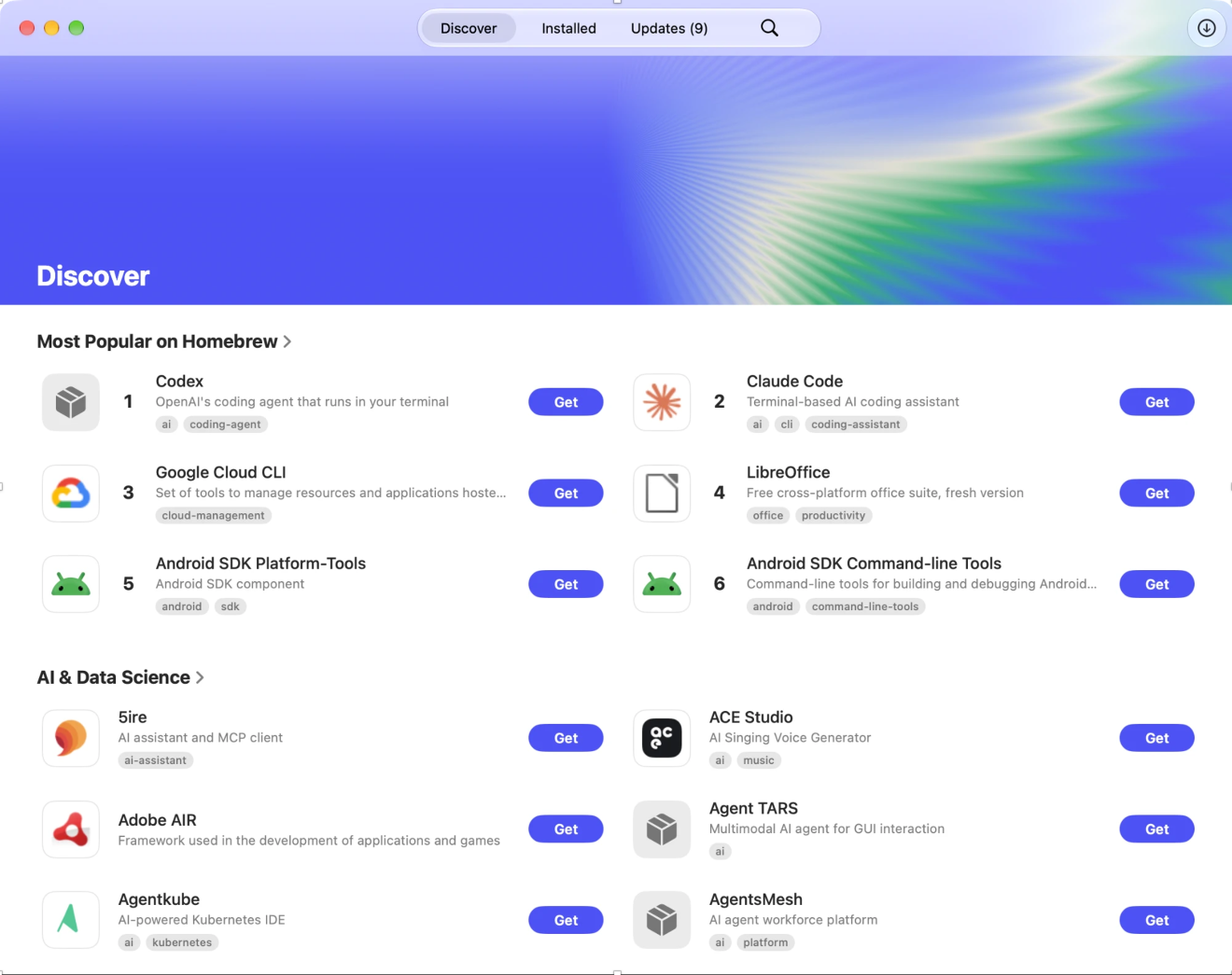
Workbrew secures the open source your business runs on. It gives us visibility into every Homebrew package installed across a client’s fleet. It adds the same view into npm packages, Mac apps and browser extensions that other tools do not reach. And it does all this without changing how developers work day to day.
What Workbrew adds on top of the MDM
Workbrew is not a replacement for the MDM we already run for clients. It sits alongside it. Device management stays exactly where it is, and Workbrew covers the software layer the MDM cannot see.
Visibility. See everything installed across the fleet, and what is vulnerable.
A managed software catalogue. Clients get a self-service catalogue of approved apps, command-line tools and extensions, so people can install what they need without opening a ticket.
Vulnerability patching. See and patch the vulnerable packages across a fleet at the package level, not just the operating-system level.
Governance. Policy controls on top of patching, for clients who need stricter approval workflows.
Clients start on visibility, at no cost, and move into patching or governance once they know what they are dealing with.
Developer freedom without the security gap
The reason this approach works is that it resolves a tension most IT providers get wrong. The instinct of a generalist, Windows-first provider is to lock everything down, which developers route around, or to leave the Mac fleet loosely managed, which leaves the gap open. Neither is acceptable. This is the same specialist-versus-generalist divide we cover in why Windows IT teams struggle with Mac management: the Apple developer environment needs managing on its own terms, not forced into a Windows-shaped process.
Workbrew lets us give developers the freedom they need and give the business the auditability it requires, at the same time. Unmanaged tools become an auditable service rather than a blind spot.
Workbrew lets us give our clients full developer freedom without sacrificing enterprise security. As an MSP, it allows us to centrally audit, secure and silently patch Homebrew packages across client Mac fleets and eliminate shadow IT without stripping developer privileges. Best of all, its open-source foundation lets us actively contribute to the catalogue rather than waiting on closed-ecosystem updates. By turning unmanaged tools into an auditable service, Workbrew lowers client risk, streamlines support and elevates our Mac management stack.
– Michael Wiercioch, CEO, nDuo
MSPs own the security of everything on a client’s devices, and they’re doing it across hundreds of customers, each with different needs. Locking everything down doesn’t scale. Workbrew MSP gives Apple-focused businesses like nDuo an enablement model where employees install what they need and the MSP can manage and remediate all software from one place. That matters even more now that AI tools are increasing usage of once developer-only tooling.
– David Starr, Partner Products, Workbrew
Why this matters more in the age of AI tooling
David Starr’s last point is worth drawing out, because it connects to a shift we are watching closely. AI coding assistants, local model runners and agentic developer tools are pulling command-line tooling into the hands of people who never used it before. Homebrew, npm and the growing catalogue of AI CLI tools are being installed far more widely than they were even a year ago.
That is precisely the software layer traditional security tooling cannot see, and it is the same argument at the heart of our work on AI governance. AI tools run on the device as local processes and install through the same package managers, so they sit beyond the reach of network controls. Governing them means governing the endpoint. Workbrew gives us that control for the software-and-package layer, alongside the device-level controls we already run. Together they close the gap that unmanaged developer and AI tooling would otherwise leave wide open.
Getting started
nDuo clients can be onboarded onto Workbrew through the Workbrew MSP dashboard, with each client getting their own workspace synced against the MDM already in place. We are rolling this out to clients over the coming weeks, starting with visibility and expanding into patching and governance as each client’s needs come into focus.
If you are a current nDuo client and want to get started sooner, reach out to your account team.
If you are not yet a client and your Mac fleet has a developer-tooling blind spot, or you simply want to know what is actually installed across your Apple estate, that is exactly the kind of problem we solve. Read our Apple IT support page for how we manage Apple fleets for UK businesses, or our Cyber Essentials guide for the compliance picture this fits into.
Book a free consultation with our team to talk through managing the full software layer across your Apple fleet.