Zero Touch Deployment for Windows and Mac: A Practical UK Business Guide
A new employee starts on Monday. They are based in Glasgow. Your IT team is in London. The MacBook and the Windows laptop ship directly from the supplier.
By Tuesday morning the employee should have both devices configured, enrolled, compliant and ready to use, without IT touching either of them..
That is zero touch deployment. And in 2026 it is no longer just for large enterprises. It is the standard expectation for any UK business with a distributed team, remote workers or simply more efficient priorities than spending hours manually configuring devices.
This post covers how zero touch deployment works for both platforms; Windows via Microsoft Intune and Autopilot, Mac via Jamf Pro and Apple Business Manager. What each workflow actually involves, where the challenges sit and what the honest picture looks like when businesses try to run Mac zero touch deployment through Intune rather than Jamf.
What zero touch deployment actually means
Zero touch deployment is the process of onboarding and configuring new devices for employees without requiring an IT technician to set them up manually. Devices ship directly from the manufacturer or supplier to the end user and configure themselves on first boot using predefined company settings.
The employee receives the device, powers it on, connects to Wi-Fi and signs in with their corporate credentials. Within minutes the device enrols in MDM, applies its configuration profiles, installs its applications and enforces its security policies. IT never touched the device. The employee never waited for IT.
IT teams chase zero touch deployment for faster onboarding, consistent device setups, fewer configuration errors, stronger security from day one and easier scaling for globally distributed teams.
The tools that make this possible differ by platform. For Windows, the technology is Windows Autopilot working alongside Microsoft Intune. For Mac, it is Apple Business working alongside Jamf Pro. Both approaches achieve the same outcome, a device that arrives ready, but the architecture, the workflow and the practical experience differ significantly.
Zero touch deployment for Windows – Intune and Autopilot
How Windows Autopilot works
Windows Autopilot uses device identity, Microsoft Entra ID and Intune to turn a raw Windows device into a business-ready endpoint during first sign-in. Devices ship directly to users and join management without imaging or manual setup. Users unbox, connect to Wi-Fi and sign in to receive policies and profiles.
The process begins before the device ships. At the time of purchase, the OEM or reseller registers the hardware hash, a unique digital fingerprint of the device in your Microsoft Entra ID tenant. When the user powers up and connects to the internet, the device contacts the Autopilot service, recognises your tenant and starts guided setup. The device joins Entra ID and automatically enrolls in Intune.
From that point, Intune pushes everything, configuration profiles, compliance policies, security baselines, application assignments and encryption settings, all based on the user’s role and group membership. The Enrolment Status Page displays progress and can block desktop access until required applications, policies, certificates and connections are fully in place.
Prerequisites for Windows Autopilot
Before your first Autopilot deployment, the following needs to be in place:
– Microsoft Intune configured and licensed – included in Microsoft 365 Business Premium, E3 or E5.
– Microsoft Entra ID with automatic MDM enrolment enabled – devices joining Entra ID must auto-enrol to Intune.
– Hardware hashes registered – your OEM, reseller or Microsoft Partner must register devices in your Autopilot portal before they ship. Most first deployments miss this step.
– Autopilot deployment profile created in Intune – defining the out-of-box experience, whether user-driven or self-deploying, and assigned to a dynamic device group.
– Applications and configuration profiles scoped to the relevant groups – defining what installs and configures at first boot.
– Compliance policies defined – what constitutes a compliant device and what happens when a device does not meet the standard.
The Windows Autopilot workflow step by step
The OEM or reseller registers the hardware hash in your Autopilot portal at the time of order. The device ships directly to the employee’s address, no IT warehouse stop required.
The employee unboxes the device and connects to Wi-Fi. Windows contacts the Autopilot service and recognises the device belongs to your organisation. Your corporate setup flow replaces the standard consumer out-of-box experience.
The employee signs in with their corporate credentials via Entra ID. The device joins Entra ID and automatically enrols in Intune. Intune pushes configuration profiles, compliance policies, security baselines, BitLocker encryption, Microsoft Defender for Endpoint and application assignments based on the user’s role.
The Enrolment Status Page shows the employee each application and setting as it installs. Once it finishes, the device is fully enrolled, compliant and ready.
Where Windows Autopilot delivers well
For Windows devices on a Microsoft 365 environment, Autopilot is mature, reliable and genuinely zero touch when correctly configured. Windows Hello for Business, BitLocker encryption and automatic security update application are all enforced from first boot, reducing the risk of misconfiguration.
The deep integration between Autopilot, Entra ID and Intune means the identity layer and the device management layer are unified from the start. Conditional Access policies enforcing that only compliant, enrolled devices can access Microsoft 365 applications are straightforward to implement alongside Autopilot.
Leaders can calculate operational savings by retiring imaging infrastructure and reducing desk-side deployment labour. Shipping directly to employees cuts warehouse handling, saving measurable hours per device.
Zero touch deployment for Mac – Jamf Pro and Apple Business
How Mac zero touch deployment works
Zero touch deployment for Mac uses Apple’s Automated Device Enrolment (ADE) as the foundation. ADE requires no IT intervention. You assign a Mac bought through Apple or an authorised reseller to your MDM server in Apple Business. When the employee powers it on for the first time, the device contacts Apple’s servers, receives its MDM assignment and begins enrolling automatically.
Jamf Pro is the MDM platform that handles everything that follows. Once the device enrols, Jamf pushes configuration profiles, installs applications, enforces security policies and can customise the entire setup experience using tools like Jamf Setup Manager, a branded interface that shows the employee each application as it installs.
Prerequisites for Mac zero touch deployment via Jamf Pro
Apple Business account configured and active, the free platform that manages device enrolment, Managed Apple Accounts and app licensing for your organisation.
Devices purchased through Apple or an authorised reseller and assigned to your MDM server in Apple Business before shipping, this is the equivalent of the hardware hash registration step for Windows. Miss this and the device will not enrol automatically on first boot.
Jamf Pro configured with a PreStage enrolment, the configuration that defines what happens when a device enrols for the first time, including configuration profiles, packages and policies applied during setup.
Applications packaged and available in Jamf, either from the Jamf App Catalog for supported titles or custom packages for internal or specialist software.
Identity provider integration – Okta, Microsoft Entra ID or Google Workspace configured so employees sign in with corporate credentials rather than a local Mac account.
The Mac zero touch deployment workflow step by step
Devices are ordered through Apple or an authorised Apple reseller. Before or at the time of shipment, devices are assigned to your MDM server in Apple Business Manager. They ship directly to the employee, no IT staging required.
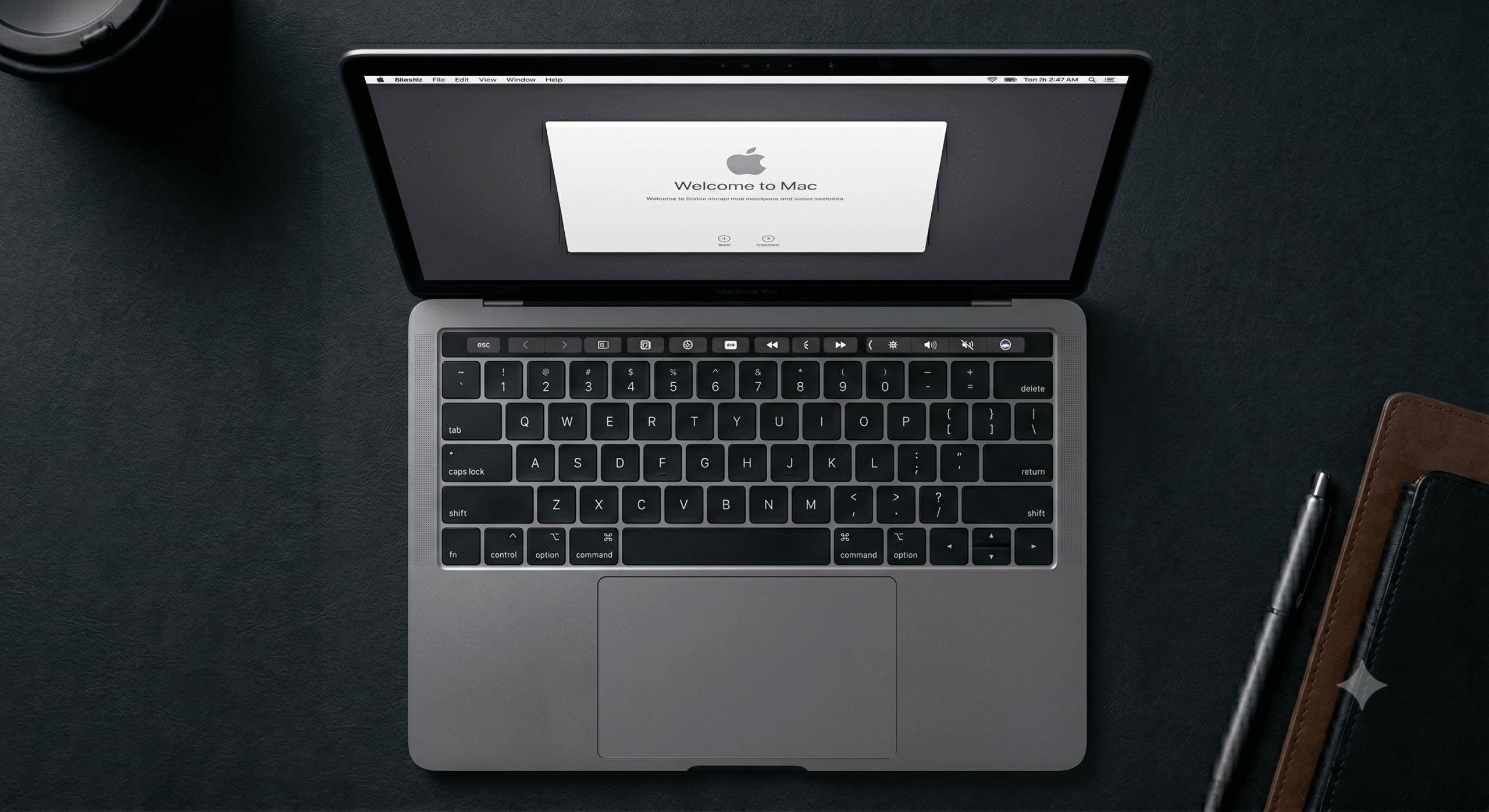
The employee unboxes the Mac and powers it on. During the macOS Setup Assistant, the device contacts Apple’s servers, detects the MDM assignment and presents the enrolment prompt. The employee is guided through a branded setup interface (Jamf Setup Manager) that shows them what is being installed and keeps them informed throughout the process.
Jamf Pro applies configuration profiles -> FileVault encryption, macOS Application Firewall, screen lock, Gatekeeper, software update policies. Applications install silently in the background. The goal is to have the Mac ready to use by the time the employee finishes the setup flow, apps installed, settings configured, security enforced, all without IT intervention.
The employee signs in with their Okta, Entra ID or Google Workspace credentials via Platform Single Sign-On. Their corporate identity is linked to the device from first boot.
Where Jamf Pro zero touch deployment excels
Jamf Pro’s zero touch deployment is best in class for Apple environments. Automated Device Enrolment is the foundation for modern Mac deployment, and Jamf’s native integration with ADE means the enrolment experience is polished, reliable and genuinely requires no IT intervention when correctly configured.
Jamf Setup Manager transforms the enrolment experience. You can define exactly what happens during provisioning, how it looks, what actions run, what the employee sees at each step, without scripting everything from scratch. It supports multiple languages, accepts JSON or XML configuration and creates a consistent, branded setup experience across every device in your fleet.
Third-party application patching is handled natively through the Jamf App Catalog. The Jamf App Catalog covers over 300 software titles with automated patching. Things like Chrome, Slack, Zoom, Adobe and dozens more update automatically without IT involvement. This is the most significant practical advantage Jamf has over Intune for Mac management and it directly affects your Cyber Essentials compliance posture.
Zero touch deployment with Jamf is modular. If any step in the chain fails, the workflow restarts from that point rather than requiring a full device wipe and reimaging. When workflows need to change, for example when upgrading to a new macOS version, updating the relevant package is usually sufficient. The rest of the deployment continues to work as before.
The honest picture – Mac zero touch deployment via Intune
This is the section that most comparison posts avoid. Intune can manage Macs. Intune can achieve a version of zero touch deployment for Macs. However, the practical reality differs from the Windows experience in ways that matter for IT teams and for compliance.
Check-in delays
Intune’s check-in time for Mac devices is between 8 and 24 hours. When you push a configuration profile or an urgent software deployment to a Mac through Intune, the device may not receive it for up to 24 hours. Jamf Pro check-ins are near real-time. For a zero touch deployment workflow where the employee needs the device ready now, a 24-hour policy propagation window is a meaningful limitation.
No native third-party app patching
Intune has no native support for patching non-Microsoft third-party applications on Mac. Chrome, Slack, Zoom, Adobe and anything outside the Microsoft app ecosystem requires manual packaging, custom scripts or a third-party tool like Patch My PC.
Patch My PC integrates with Intune for Windows application patching but its Mac support is limited. The practical consequence is that a Mac managed by Intune requires significantly more manual effort to maintain application currency than the same Mac managed by Jamf Pro. For businesses with Cyber Essentials obligations, where all critical updates must be applied within 14 days (this is already very long windows from the security point, but that is a separate topic) across every application, this gap requires either additional tooling or ongoing manual oversight.
Zero touch deployment is less polished
Intune does not have a built-in zero touch solution for Mac, and its platform limitations make handling third-party solutions difficult. The enrolment experience through Intune on Mac is functional but lacks the branded, step-by-step setup flow that Jamf Setup Manager provides. Employees setting up a Mac through Intune see a more generic experience than employees setting up through Jamf, and IT teams have less control over the setup sequence.
If you are a Microsoft-first shop, start with Intune, Platform Single Sign-On has improved significantly in 2025 and 2026. If you need granular control for compliance and security, complex scripting – Jamf Pro remains superior.
Scripting limitations
Jamf Pro provides a full shell scripting environment for macOS. Complex deployment workflows, custom application configurations and automated remediation tasks are all achievable through Jamf scripting. Intune’s scripting support for Mac is present but constrained, script size limits, restricted triggering options and narrower automation capability compared to Jamf.
Compliance reporting depth
For businesses pursuing Cyber Essentials, ISO, CIS etc, Jamf Pro generates compliance reports that map directly to the framework. Patch compliance, encryption status, firewall enforcement and application inventory are all available from a single console in the format an assessor needs. Intune requires more manual evidence compilation to achieve the same result for Apple devices specifically.
When Intune for Mac makes sense despite the limitations
The limitations above are real. They are also manageable in the right context. Intune for Mac zero touch deployment makes sense when:
1. Your fleet is primarily Windows with a minority of Macs. Managing both from the Intune console reduces operational complexity.
2. You are already on Microsoft 365 Business Premium and Intune is included. The cost difference versus adding Jamf Pro is significant and your Mac management requirements are basic.
3. Your identity infrastructure is entirely Microsoft, Entra ID, Conditional Access, Defender for Endpoint, and you want device management that integrates natively rather than requiring additional configuration.
4. Your Mac users have straightforward requirements without complex application catalogues, custom scripting or advanced compliance frameworks.
For businesses where any of those descriptions do not apply, where Macs are the primary platform, where compliance reporting is critical, where application patching needs to be automated and reliable, Jamf Pro is the right choice.
Running both – Jamf for Mac and Intune for Windows
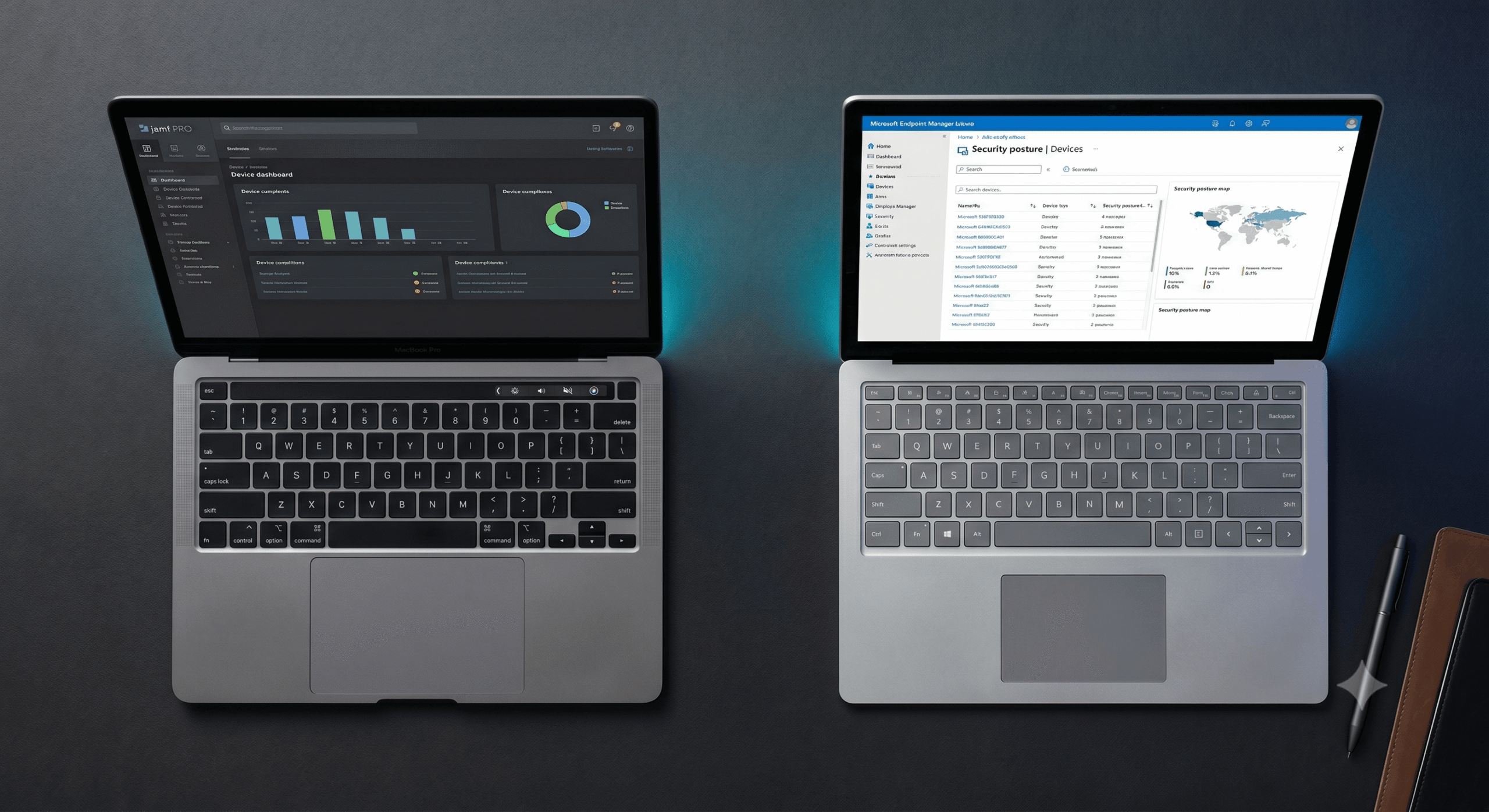
The most effective architecture for businesses with significant Mac and Windows fleets is Jamf Pro for Mac management combined with Microsoft Intune for Windows. Both platforms are visible in the Microsoft Intune console through Jamf’s integration, allowing IT to monitor security posture across the whole fleet from a unified view. Conditional Access policies can be enforced consistently across both platforms.
This co-management approach delivers the best capabilities of each platform to each device type rather than compromising on either. With Jamf Pro and Intune, IT support can troubleshoot, update software and enforce security policies remotely across both platforms. Remote diagnostics and resolution can reduce the number of on-site visits by up to 80%.
The operational overhead of running two MDM platforms is real, two consoles, two policy sets, two vendor relationships. For businesses with a large or growing Mac fleet alongside Windows, this overhead is justified by the capability difference. For businesses with a handful of Macs alongside a Windows-majority fleet, Intune for everything may be the more pragmatic choice.
The identity layer – making zero touch work across both platforms
Zero touch deployment for both Windows and Mac depends on a well-configured identity layer. Whether you use Microsoft Entra ID, Okta or Google Workspace, the identity platform is what connects the device to the user, enforces access policies and ties the MDM environment to the rest of your security stack.
Modern zero touch deployment means no local device passwords. Employees sign in to their Mac or Windows device using their corporate email credentials through Platform Single Sign-On. For Mac devices in a Microsoft environment, Platform SSO allows users to sign in with their Entra ID password. Mac devices in a Google environment, federated authentication connects Managed Apple Accounts to Google Workspace credentials.
For businesses using Okta, the integration with both Jamf Pro and Intune is mature. Okta provisions user access, enforces MFA and provides the single sign-on layer that makes the first-boot experience seamless on both platforms. When a new employee joins, Okta provisions their identity. When they first log in on their Mac or Windows device, their identity is already there.
Zero touch deployment and Cyber Essentials compliance
Zero touch deployment is not just an IT efficiency tool. For businesses working toward Cyber Essentials certification, it is one of the most effective ways to maintain a consistent, auditable compliance posture as the team grows.
When a device is enrolled through zero touch deployment, whether Mac via Jamf or Windows via Intune, the compliance configuration is applied at the point of enrolment. FileVault encryption enabled. BitLocker enforced. Firewall on. Screen lock configured. MFA required. Patching policy active. All of it applied before the employee logs in for the first time, not retrofitted after the fact.
For businesses with Cyber Essentials Plus certification requirements, Jamf Pro’s compliance reporting provides the evidence an assessor needs, device-by-device patch status, encryption compliance, policy enforcement, without requiring manual evidence gathering. Intune provides similar reporting for Windows. The combination of both platforms in a mixed fleet gives you a complete, auditable compliance picture across every device.
The alternative, manually configuring each device and relying on individual employees to keep their devices updated, is the approach that fails Cyber Essentials assessments. Every new hire whose device is not enrolled through zero touch deployment is a potential compliance gap.
Getting zero touch deployment right, the common mistakes
Zero touch deployment fails in predictable ways. Understanding them before implementation saves significant time and frustration.
Hardware hashes or ADE assignment not set up before shipping
The most common single point of failure for first deployments. For Windows, if the hardware hash is not registered in Autopilot before the device ships, zero touch does not work. For Mac, if the device is not assigned to your MDM server in Apple Business Manager before first boot, it will not enrol automatically. Both require coordination with your reseller at the point of purchase.
Applications causing Enrolment Status Page timeouts on Windows
Keeping required apps minimal on the Enrolment Status Page so users finish enrolment quickly is strongly recommended. Heavy apps can be delivered post-provisioning. Assigning every application as required during the ESP phase extends the setup time significantly and increases the risk of timeout failures.
Identity provider not connected before deployment
If Platform SSO, Okta integration or federated authentication with Google Workspace is not configured before the first device is enrolled, employees cannot sign in with corporate credentials at first boot. This requires re-enrolment after the fact.
No offboarding process defined
Zero touch deployment is the beginning of the device lifecycle, not the whole of it. Defining the offboarding process, remote wipe for Mac, Intune retire action for Windows, Okta deprovisioning, at the same time as the onboarding process ensures the security posture holds at both ends of the employee journey.
This is where nDuo iQ earns its place. When someone leaves, their Mac can be locked or wiped, their FileVault key retrieved and the device unmanaged from the app, without waiting for someone to be at a console. For distributed teams where the departing employee and the IT admin are in different cities, that gap between the leave date and the device actually being secured is where the real risk sits.
Read our guide to the perfect employee onboarding process for the full lifecycle picture.
What to implement and in what order
If you are starting from scratch or rebuilding a broken deployment workflow, here is the practical sequence:
1. Start with Apple Business Manager. Register your organisation, link your Apple devices and connect your MDM server. This is free and is the foundation everything else builds on.
2. Choose your MDM platform. Mac-primary or Apple-heavy fleets, Jamf Pro. For Windows-primary or Microsoft-first environments, Intune. For mixed fleets with significant Mac requirements, both.
3. Configure your identity layer. Okta, Entra ID or Google Workspace connected to your MDM before the first device is deployed. Platform SSO configured for Mac. Autopilot linked to Entra ID for Windows.
4. Build your deployment profiles. PreStage enrolment in Jamf for Mac. Autopilot deployment profile in Intune for Windows. Applications and configuration profiles scoped to role-based groups.
5. Run a pilot. Three to five devices. Go through the full workflow from order to first login. Identify what breaks. Fix it before rolling out to the whole team.
6. Define offboarding. Remote wipe and MDM unenrolment process for Mac. Intune retire action for Windows. Identity deprovisioning in Okta or Entra ID. Document it before you need it.
Managing Jamf and Intune from a single console – nDuo iQ
For businesses running both Jamf Pro and Microsoft Intune across a mixed fleet, managing two separate consoles adds operational overhead that grows with your team. Our iQ platform solves this by bringing Jamf Pro and Microsoft Intune into a single management portal, one place to view every device across both platforms, monitor compliance status, track security posture and act on issues without switching between consoles.
Rather than an IT admin toggling between Jamf for Mac and Intune for Windows, iQ provides a single pane of glass view across the entire fleet. A device enrolled via Jamf zero touch on Monday and a Windows laptop via Autopilot on Tuesday both appear in the same dashboard, with the same compliance reporting and the same visibility. For businesses managing a mixed Apple and Windows environment, this removes the biggest operational friction point in running two MDM platforms simultaneously.
iQ is built specifically for Apple-first and mixed fleet environments and is designed to sit alongside your existing MDM investment rather than replace it, giving you the depth of Jamf Pro for Mac and the native Windows integration of Intune, unified into one view.
How nDuo helps
We implement and manage zero touch deployment for UK businesses running Mac, Windows and mixed fleets. That means Apple Business setup and MDM connection, Jamf Pro PreStage enrolment configuration, Microsoft Intune Autopilot setup for Windows, Okta or Entra ID integration and the ongoing management that keeps the workflow running reliably as your team grows.
If your current device deployment process involves IT manually configuring each device or employees waiting days for access, zero touch deployment is the fix. For Revolut, it took new-starter onboarding from over an hour of IT time per device to under 15 minutes across globally distributed teams. The investment in getting it right pays back within the first few deployments – read the full story.
Read our guide to the perfect employee onboarding process to see how zero touch deployment fits into the wider onboarding picture, or our Jamf Pro vs Microsoft Intune comparison for a deeper assessment of which MDM platform is right for your fleet.
Book a free consultation with our team to discuss your device deployment workflow and get a clear recommendation on the right approach for your environment.